Knowledge Base
How To Log In to WHM
This article explains how to access and log in to WHM using your server's domain name or IP address. It also identifies the hosting plans that support WHM access.
NOTE. WHM is only available for Vodien Virtual Private Servers and Dedicated Servers.
There are two ways to access the WHM login page. Either way, you can always access it via the port 2087.
- On your preferred browser, enter either of the links below and click Enter on your keyboard to access it.
- https://yourdomain.com:2087 – replace yourdomain.com with your domain name
- https://123.456.123.456:2087 – replace 123.456.123.456 with your server’s IP address
- Enter your WHM username and password in the boxes provided.
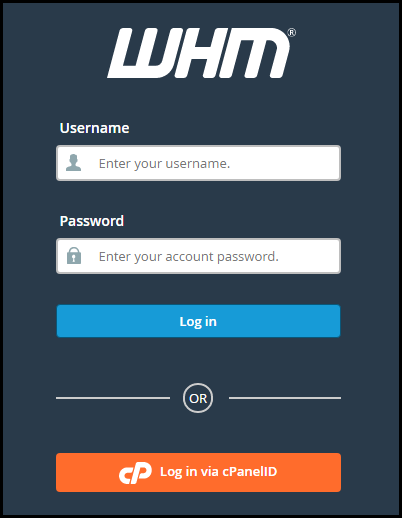
- Click Log in.
A successful login redirects you to WHM Home page.
Feel free to contact our Singapore or Australia Support Team if you have further questions.
Did you find this article helpful?